
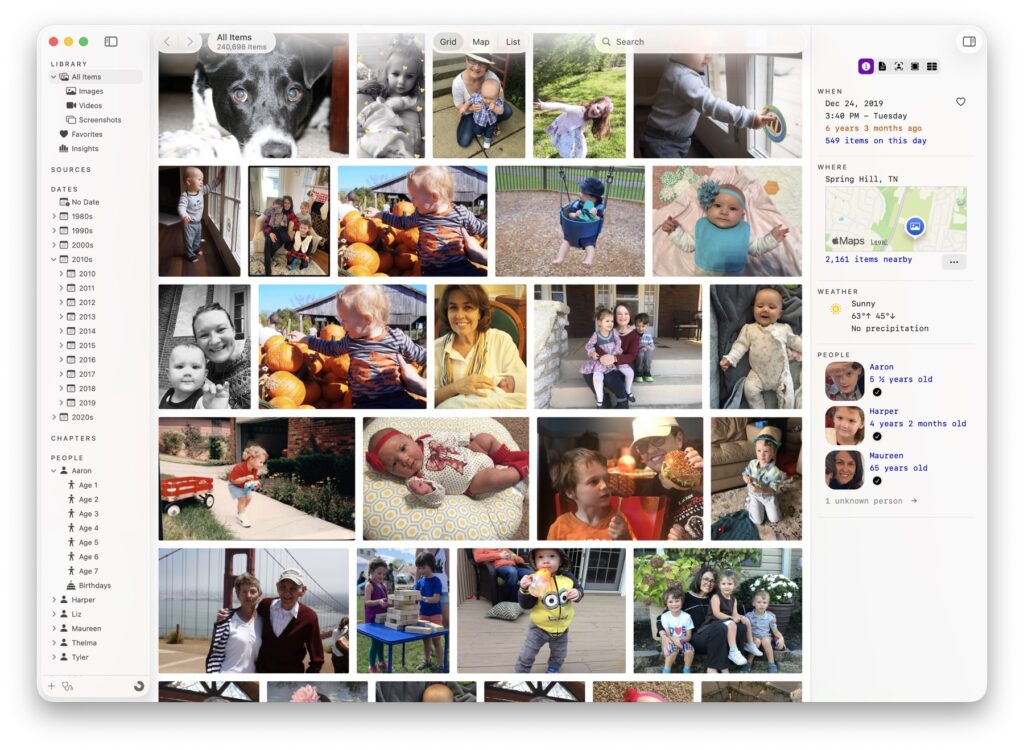
Iris is a lens on-top of your photo and video library that gives you new ways to browse, search, and discover your memories. Iris is built with speed, privacy, fun, and the future in mind — for people who give a damn and believe their digital memories are precious and worth preserving.
Join the Iris TestFlight
Requires macOS 15 (Sequoia) or macOS 26 (Tahoe).
Privacy and Safety
Let me say this clearly. Your photo library is both extremely precious and extremely private. Your data is yours — it shouldn’t belong to a giant tech company. That’s why Iris works with the photos and videos stored locally on your Mac, whether that’s folders full of images, external hard drives, or even your Apple Photos library.
Iris makes two promises to you:
- Iris will not modify your files in any way. We would never want to accidentally overwrite or modify your photos or videos, and that’s why, by design, Iris only reads your files and never writes to them. For metadata that Iris does need to save, Iris maintains its own database as well as a cache of thumbnail images.
- We will never upload, send, or transmit your photos, videos, or information about them off of your Mac for any reason, ever — with two opt-in exceptions:
- If you opt-in to let Iris fetch historical weather reports to provide more context about your photos, Iris will send the date and latitude and longitude of each item to our API server to fetch the weather for that location on that day. Our web service does not retain logs containing that information tied to customer records. Additionally, Iris only sends the date (year, month, and day without the timestamp), and the latitude and longitude values are rounded to 1 decimal place to avoid sending specific coordinates. Again, weather data is opt-in and not enabled by default.
- Iris includes a built-in web server that allows the Iris iPhone / iPad app to connect to the Mac app and browse your library. This feature is disabled by default. Once turned on, you can turn it off again at any time.
- When enabled, the built-in web server listens on TCP port 8490.
- For fun, if you do enable the built-in server, you can try browsing your library at http://localhost:8490